Stuck on raw vs jpeg before your next shoot? Pick RAW when you plan to edit and want room to fix exposure or color. Pick JPEG when speed and small files matter more. Many cameras can record both.
Choosing a file format is one of the quiet decisions at the heart of photography techniques.
| Item | Value |
|---|---|
| JPEG bit depth | 8-bit (256 levels per channel) |
| Color tones per pixel in a JPEG | Up to 16.78 million |
| RAW bit depth on higher-end Nikon cameras | 12- or 14-bit |
| Possible color tones at 14-bit | 68.68 billion |
| Exposure recovery headroom, RAW vs JPEG | 2-4 stops vs about 1 stop |
These figures come from Nikon’s RAW or JPEG guide and a landscape photography blog by Mark Gray. Cameras and software change, so check the source before you rely on them.
What RAW and JPEG actually are
A JPEG is a standardized format built to produce small files that computers, phones and tablets can open without special software. That makes it very easy to share. The catch is that much of its information is baked in, so edits are destructive and there is a slight loss in quality.
A RAW file holds all the image information captured by the camera’s sensor, along with metadata such as the camera’s settings and the lens used. The file is much larger, and you need photo-specific software to edit it before you can share it. In return, you can make many different edits without any loss in quality.
Another way to see it comes from a Photography Stack Exchange answer hosted on Unique Photo’s community pages. When a camera writes a JPEG, many things get baked in, including white balance, black point, white point and gamma correction. A RAW file postpones those decisions until you edit.
Here is how the two compare in daily use:
- File size: a JPEG is smaller; a RAW file is much larger.
- Sharing: a JPEG can go out straight from the camera; a RAW file must be edited first.
- Editing: JPEG edits are destructive; RAW editing is non-destructive.
- Software: a JPEG opens almost anywhere; a RAW file needs photo-centric software.
JPEG is not a single fixed quality either. Nikon notes that you can set the in-camera compression to favor either image quality or file size.
Why bit depth changes what you can edit
Nikon explains the technical gap with simple math. A JPEG is an 8-bit file, so each channel (red, green and blue) can record up to 256 levels of luminosity. Multiply the three channels and you get up to 16.78 million color tones at each pixel, as the Nikon guide shows.
On higher-end Nikon cameras you can record RAW at 12- or 14-bit, which gives 1.07 billion or 68.68 billion possible color tones respectively, according to the same Nikon guide. Other makers’ cameras differ, so check what your own model offers. The useful point is not that you see more colors on screen.
The real benefit is tonal gradation: the steps in between colors are much finer. That matters the moment you push an edit hard. Fine steps survive heavy adjustments, while coarse steps start to show.
The classic symptom is a blue sky with visible banding, known as posterization. Nikon says the original is often an 8-bit JPEG that was heavily edited. Shot as RAW, the same sky would usually show a much smoother color transition.
Editing room: exposure, white balance and recovery
The clearest practical gain is recovery headroom. One landscape photographer’s blog says RAW files typically offer 2-4 stops of exposure recovery headroom compared with approximately 1 stop for JPEGs, in Mark Gray’s guide to shooting RAW. Treat that as one photographer’s rule of thumb rather than a guarantee for every camera.
White balance works the same way. In a RAW file it is stored as metadata, not baked into the pixel data, so you can change it after the shot with no quality loss. A JPEG locks in whatever white balance the camera chose at the moment of capture.
The Stack Exchange answer makes the same point more bluntly: once baked-in information is gone, it cannot be recovered. Editing a JPEG only lets you change the limited data still present in the file. It cannot add back what was discarded.
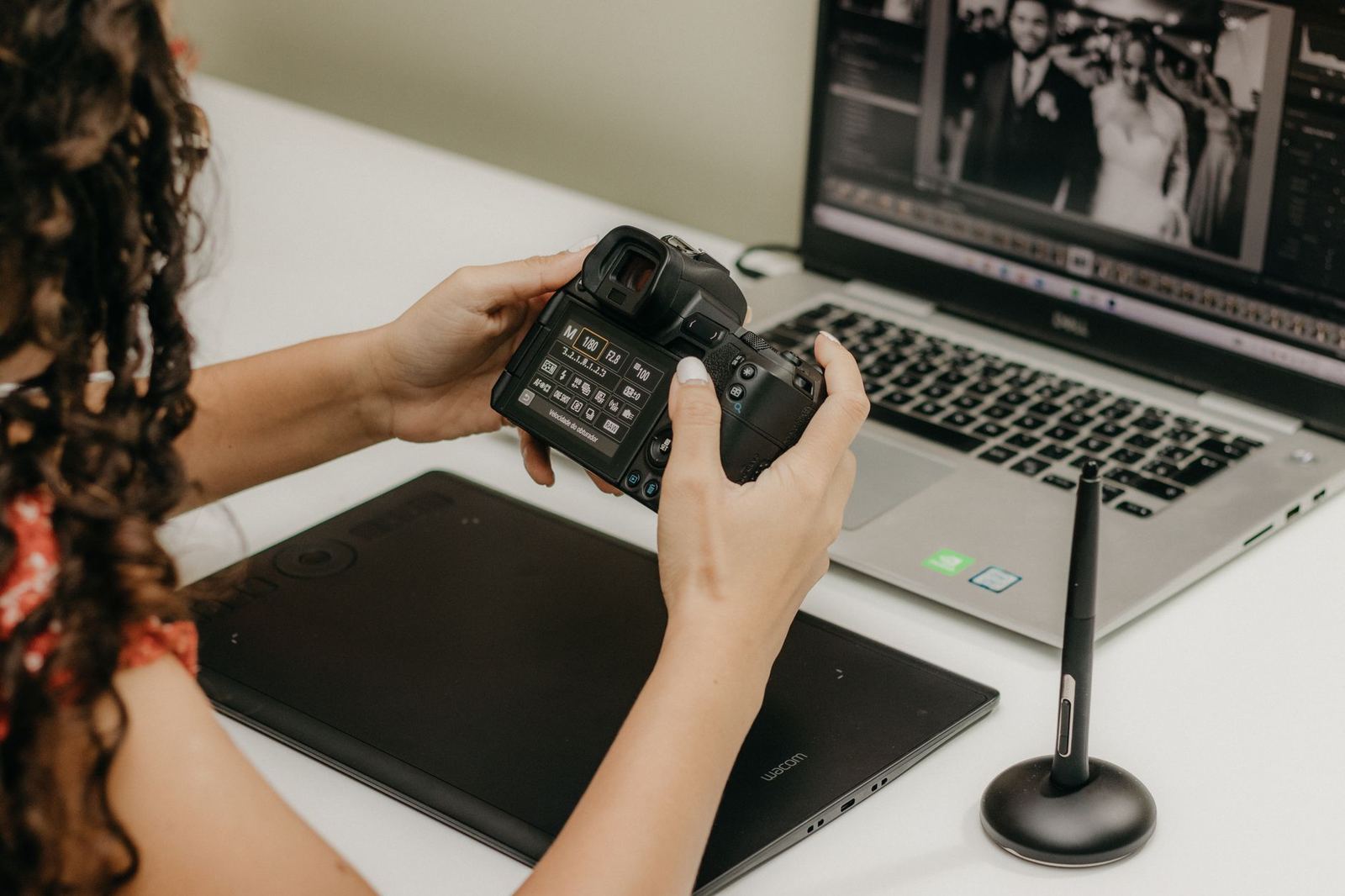
Does this matter for you? Nikon is candid here. If you always get the exposure perfect, a larger latitude may not help much, but if you want to rescue a poorly exposed photo, or often work on the highlight and shadow regions, it can be very valuable.
If you shoot a bright sky over a dark foreground, as many people do in long exposure photography, that extra room is where RAW earns its keep. Mark Gray’s advice is to check your histogram after every shot in the field. A slightly underexposed RAW file is almost always recoverable, while a blown-out JPEG highlight is gone permanently.
When JPEG is the better call
JPEG has real strengths. It prioritizes speed, smaller file size and instant usability, and for photographers who shoot high volumes or share straight to social media it removes the post-processing step entirely. Nikon makes the same point: a JPEG can be shared right out of the camera.
JPEG is often the sensible choice in situations like these:
- A quick social post, where JPEG is perfectly adequate.
- A high-volume event or travel day, where speed and workflow efficiency matter.
- Casual shooting where you do not want to be forced into editing every single photo.
If you want both, a hybrid approach exists. Shooting RAW+JPEG simultaneously gives you the editing latitude of RAW and the instant-share convenience of JPEG. Mark Gray adds that most modern cameras support this natively and that storage costs have dropped enough to make it viable for most shoots.
The trade-off is more files to manage. Decide up front whether you will actually use the JPEG copies, otherwise you are only filling cards.
How do you choose for your work?
Nikon’s guide stresses that there is no single right answer, because each photographer’s circumstances differ. A short checklist helps you decide:
- Name the end goal. Mark Gray says a large-format print or licensed stock use calls for RAW, while a quick social post is fine as JPEG.
- Judge the light. Challenging, high-contrast scenes reward the extra recovery room of RAW.
- Count your editing time. RAW means more time in post-production, because you must edit your files before sharing them.
- Still unsure? Record RAW+JPEG for a few outings and see which files you actually use.
RAW also has a teaching side. Mark Gray argues that when you edit a RAW file you see exactly what your camera recorded, which makes exposure mistakes obvious and helps you improve. That feedback is useful whether you are learning digital or comparing it with the slower habits covered in film photography for beginners.
For fine art work, where the final print or edit is the point, the safer default is usually RAW. You can always make a JPEG from it later, but you cannot rebuild discarded sensor data from a JPEG. Keep JPEG for the jobs where speed truly wins.
Frequently asked questions
Is RAW always better than JPEG?
Show answer
No. Nikon’s guide says passionate opinions do not mean there is only one right answer, and it notes that casual photographers may not want to edit every photo. RAW gives more editing flexibility, while JPEG gives speed and convenience.
Can I shoot RAW and JPEG at the same time?
Show answer
Usually yes. Mark Gray says most modern cameras support RAW+JPEG natively, though you should check the menu of your own camera. You get an editable RAW file and a ready-to-share JPEG from one press of the shutter.
Can I fix white balance in a JPEG as cleanly as in RAW?
Show answer
Not as cleanly. A JPEG locks in the white balance the camera chose, while a RAW file stores it as metadata that you can change after the shot with no quality loss, according to Mark Gray’s guide.
Do I need special software to edit RAW files?
Show answer
Yes, you need photo-centric software. Nikon’s guide also warns that third-party software cannot read much of the camera settings, so you may be starting from scratch with your edit.